Italiano
 English
WordPress
To add the “Chat Button” widget to every page of your WordPress site follow these steps:
- Login within your WordPress site and go to the Plugins section and click on add new
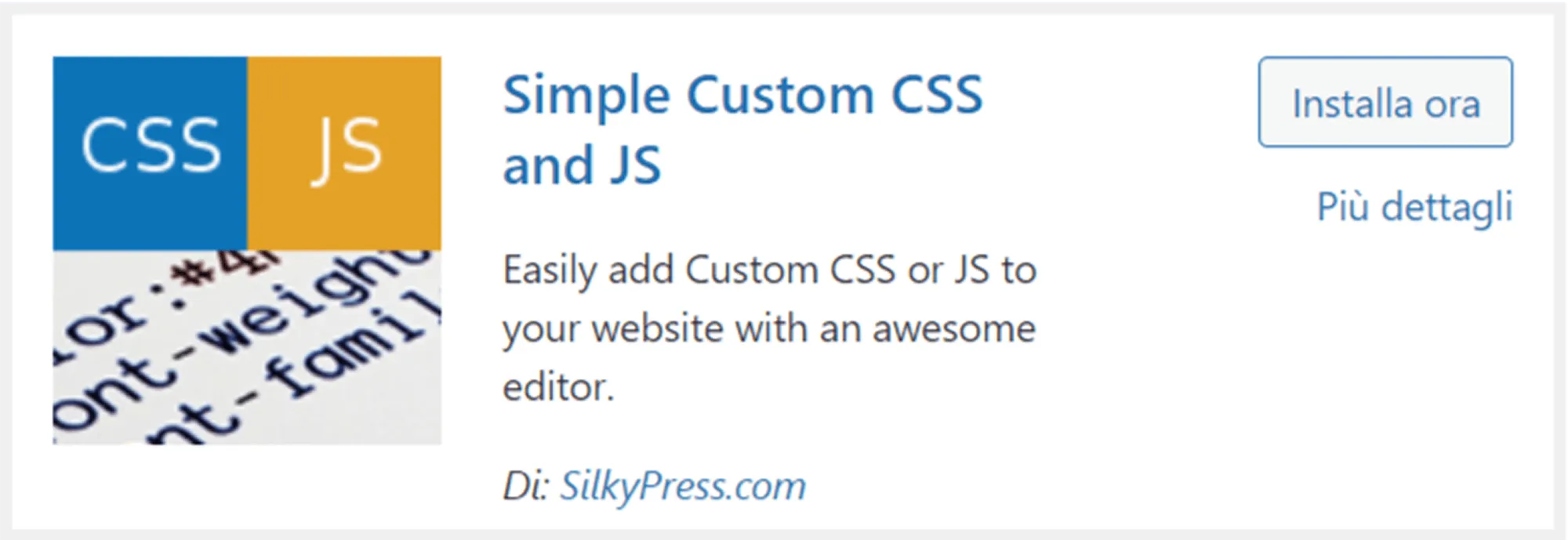
- Search for the plugin “Simple Custom CSS & JS ”and install it
- Look for the plugin inside the sidebar of WordPress
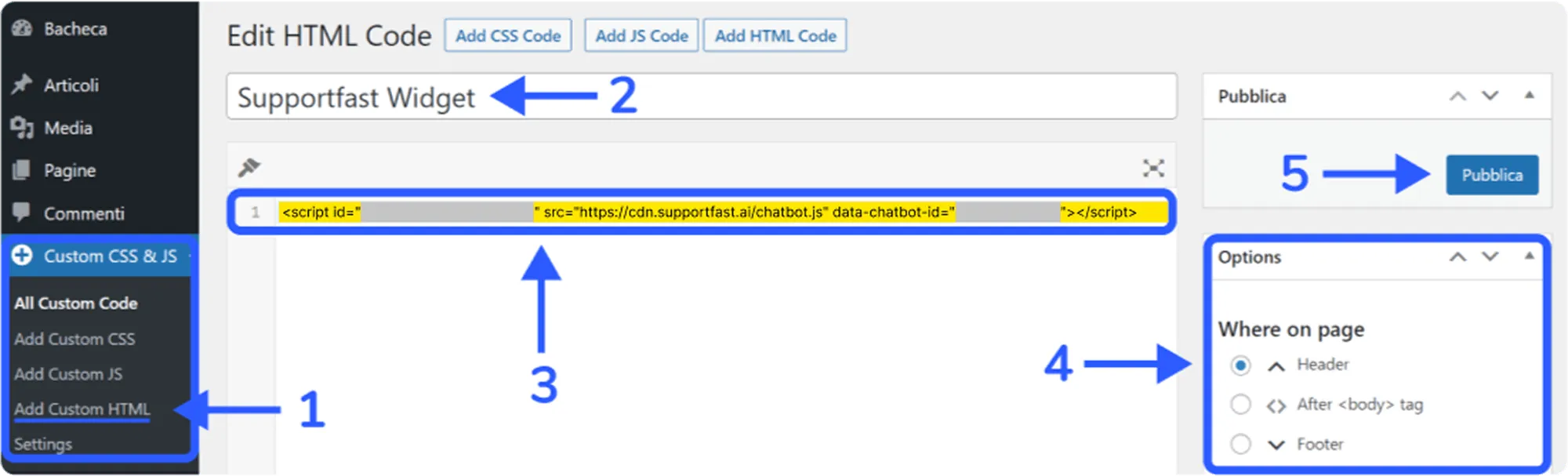
- Click on “Add Custom HTML”(step 1)
- Assign the name you prefer to the custom HTML (step 2)
- In the text area below the title paste the script from Supportfast (point 3)
- Click on “Header ”from the options inside the sidebar on the right (step 4)
- Click the Publish button (step 5)