

The agent answers the Page's private messages, not comments and reactions. On the Integrations page the channel is called “Facebook Messenger”; in the rest of the console, “Facebook”.
Before you start
- A Facebook Page for your business, not a personal profile, and a Facebook account that is an admin of it.
- The “Social channels” feature in your plan.
#Connect the Page
On the “Facebook Messenger” row of WorkspaceIntegrations, follow the steps in Instagram and Messenger: connecting to Meta. At the end, on the channel page, the “Connected page” card shows the name of the Page.
#How to check
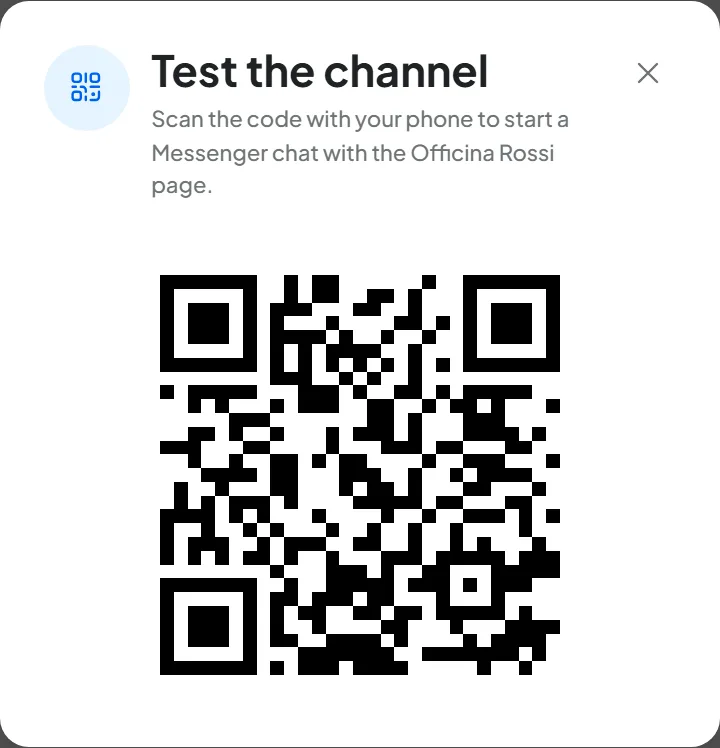
- On the channel page, press Test channel: a QR code appears.
- Scan it with your phone, using a Facebook account other than the one that is an admin of the Page. Messenger opens with the message “Hi!”: send it.
- The agent answers after a few seconds, depending on the Reply Delay.
- Open the agent's Conversations: you'll find the chat you just had, with the “Facebook” channel.
#After connecting
What the agent receives, the channel settings, reconnecting and disconnecting are the same for Instagram and Messenger: see What the agent receives and Reconnecting, changing Page and disconnecting. If you disconnect Messenger and Instagram is also connected on the same Page, Instagram keeps working. Photos, documents and voice notes arrive only if you turn on receiving files and audio on the channel page, which starts off.
#Common problems
The connection doesn't complete.
If the “Connection interrupted” notice appears for a few seconds while you connect the Page for the first time, Meta's window closed before the end, or you pressed Cancel when choosing the Page. The row stays “Inactive”: press Connect again and go all the way to the end.
The channel was working and now shows the red “Connection broken” band.
This is a different case: the channel is in “Error” and no longer receives messages. Use Reconnect from the ⋮ menu and grant the same Page again: see Reconnecting, changing Page and disconnecting.
The channel is active, but the agent doesn't answer.
Check that the customer is writing to the connected Page. The other checks are in Instagram: common problems and in Troubleshooting: WhatsApp, Instagram, Messenger.