

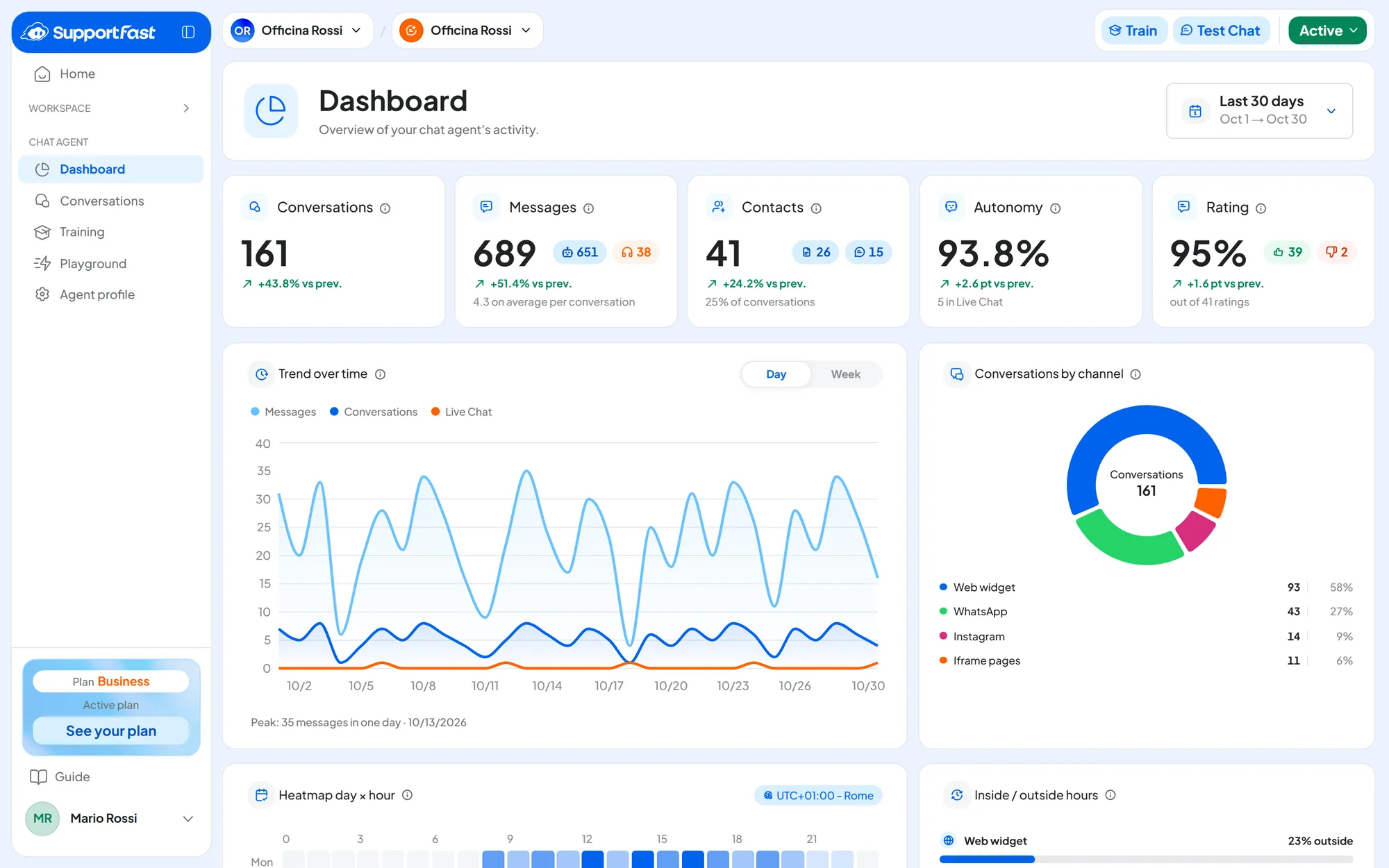
This guide takes you from your first agent online to every feature of the console: channels, phone, contacts, campaigns, automations, team and subscription. If you're short on time, start from Your first chat agent: with about 20 minutes of work, plus the time training takes, you have an agent that answers on your website.
The console, the web application where you set everything up, opens at app.supportfast.ai. It is organized in three levels: account, workspaces and elements. We explain them in How SupportFast works.
#The documentation
Each area of the console has its own section, with the pages you'll need most. What your plan includes is in Plans, quotas and usage; your team with roles and permissions is in Team, roles and permissions; payments and this month's usage are in Subscription and payments.
#What you need
- A computer. You use the console in a computer's browser, not on your phone.
- Your company's information. Your website address, your documents (PDF, DOCX, TXT) and the answers to the questions you're asked most often: this is the material the agent learns from.
- For WhatsApp, Instagram and Messenger, a Meta account with admin access to your business. The details are in WhatsApp: connecting your number.
- For the voice agent, a phone number: see Connecting your phone: the options.
#Need help?
Search the guide with Ctrl + K (on a Mac ⌘ + K), or start from the symptom: each common problem has its cause, what to do and how to check. In the console, the same shortcut opens the search for the workspace's elements: see The console at a glance.