

Until it has a number, you can only test the voice agent with the Web Call in Test Call. To take and make real phone calls it needs a phone number, and there are two ways to give it one: a platform number or a SIP line. Call forwarding is a third option that works on top of either one: it sends the agent the calls to the number you already use. The agent still needs a number of its own to forward them to.
Numbers belong to the account and you link them to the voice agents in your workspaces: how they are shared among agents is explained in One number, several agents.
#1. A platform number
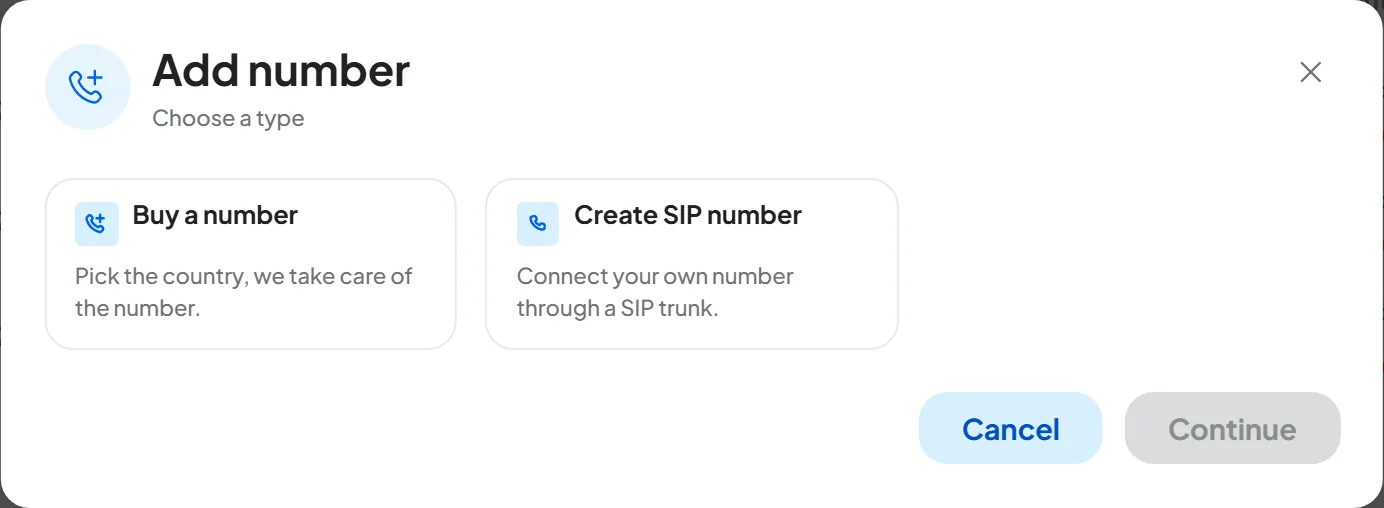
You buy a geographic number, that is, a landline number with a city's area code, in AccountTelephony. Countries, number types, documents and timing are in Buying a number.
#2. A SIP line: your PBX or your VoIP phone carrier
If your number already runs on a PBX or with a VoIP phone carrier, you connect it to the agent with a SIP line, a direct connection between your phone carrier and SupportFast. The line receives calls and, if the carrier allows it, makes calls with your number. Your technician sets it up: the fields and steps are in Connecting your PBX (SIP).
#3. Call forwarding from your number
Keep the number you already use and ask your phone carrier to forward calls to the agent's number. You can forward all calls, or only when you're on the phone, don't answer or can't be reached. Call forwarding doesn't replace the other options: the agent still needs a number of its own to forward to. The codes for your carrier, with the configurator, are in Forwarding calls from your number.
#How they compare
| Platform number | SIP line | Call forwarding | |
|---|---|---|---|
| Best if | You have no number to keep, you want a number just for the agent, or the agent has to call your contacts | You have a VoIP PBX or a SIP contract and want to keep your number, for outbound calls too | You want to keep the mobile or landline number your customers know, with no technician, even only for when you don't answer |
| Number customers call | The agent's new number | Your number | Your number |
| Outbound calls | Yes, except “Inbound calls only” numbers | Yes, if you set them up with your phone carrier | No: the agent calls from its own number |
| What you need | For numbers registered in your name, the holder's documents | A PBX or a VoIP phone carrier, and someone to set it up | A number for the agent and your phone carrier's code or control panel |
| Timing | From a few seconds to a few days | A few seconds in SupportFast, plus the technician's work | Usually immediate |
| Plan feature | “Platform numbers”, and it counts toward your plan's numbers | “SIP trunk”; it doesn't count toward your plan's numbers | The one for the agent's number |
| Costs outside SupportFast | None | Your contract with the phone carrier | Forwarded calls, depending on your phone plan |
For the agent to make calls, your plan also needs the “Outbound calls” feature: without it, the “AI Voice Call” channel shows a lock when you create a campaign.
#Where to manage numbers
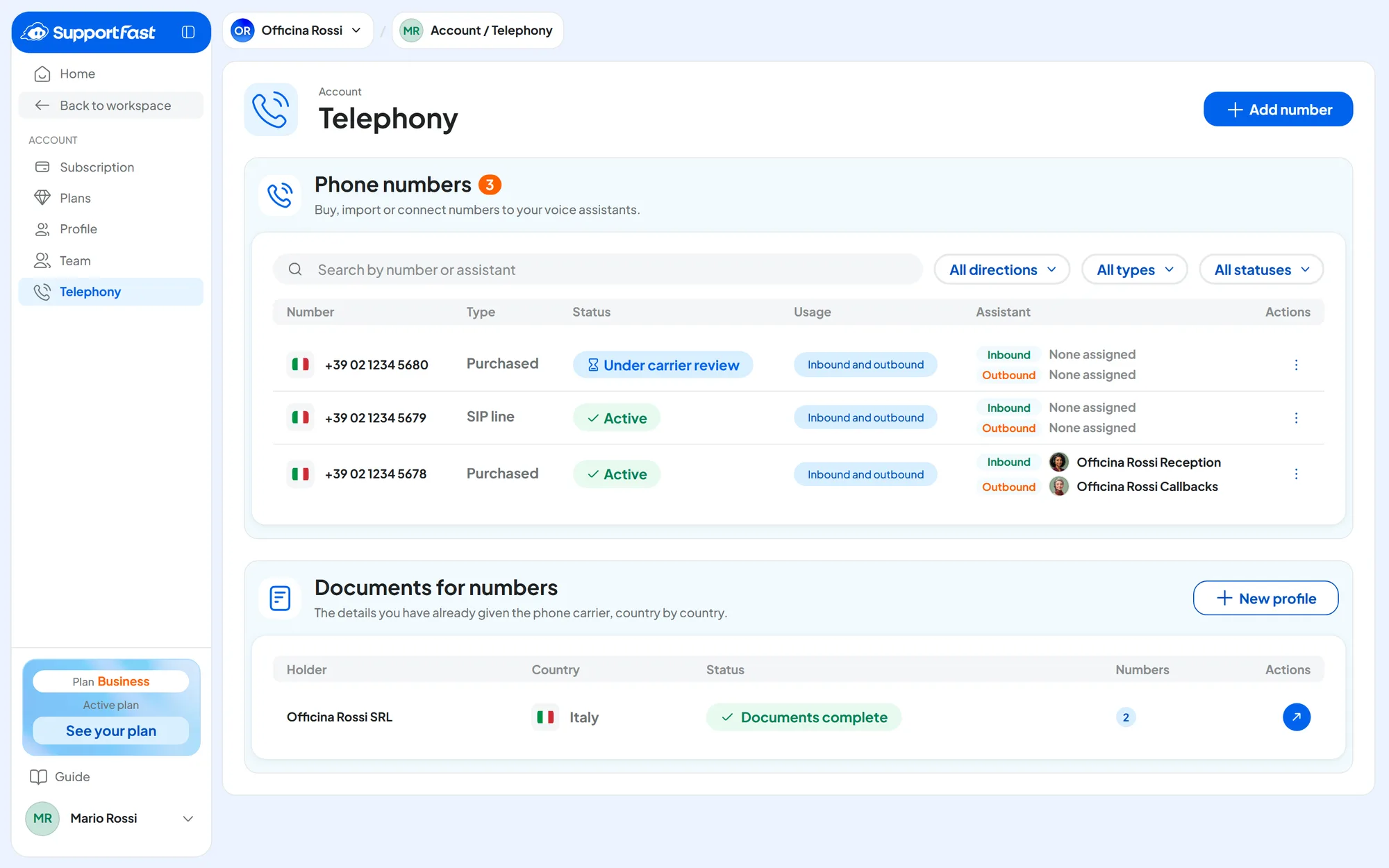
Numbers and lines are in AccountTelephony, which you open from the menu with your name. The “Phone numbers” panel is explained in Assigning and managing numbers, “Documents for numbers” in Documents for numbers. You need the “Telephony (Account)” permission: without it, the Telephony item doesn't appear, and in the agent's top bar you see the numbers but can't change them.
#Frequently asked questions
Can I bring my number to SupportFast?
Your number stays with your phone carrier. To have the agent answer it, you have two options: a SIP line, if the number runs on a PBX or with a VoIP phone carrier, or call forwarding.
Can I use the agent's number for SMS or WhatsApp?
The agent's number is for calls. WhatsApp is connected separately, with your WhatsApp number: see WhatsApp: connecting your number.
How many calls can the agent handle at the same time?
As many as your plan allows under “Concurrent calls”, counted across the whole account, tests included. See Plans, quotas and usage.